Customizing Red Hat and CentOS to Provision KVM (workaround)
User's Guide feedback on: Cisco Server Provisioner 6.6 User's Guide ("Chuck Berry") - Customizing Red Hat and CentOS to Provision KVM (workaround)Provision_Red_Hat_Customize_KVMTutorial: Provision Red Hat, CentOS, KVM and Fedora > Customizing the Provisioning Process > Customizing Red Hat and CentOS to Provision KVM /Dear User's Guide Staff,
Customizing Red Hat and CentOS to Provision KVM (workaround)
Provisioner 6.5.0/6.5.1, by default, provisions systems with the non-virtualized packages of Red Hat and CentOS. Provisioner's next release will support provisioning KVM without a workaround.
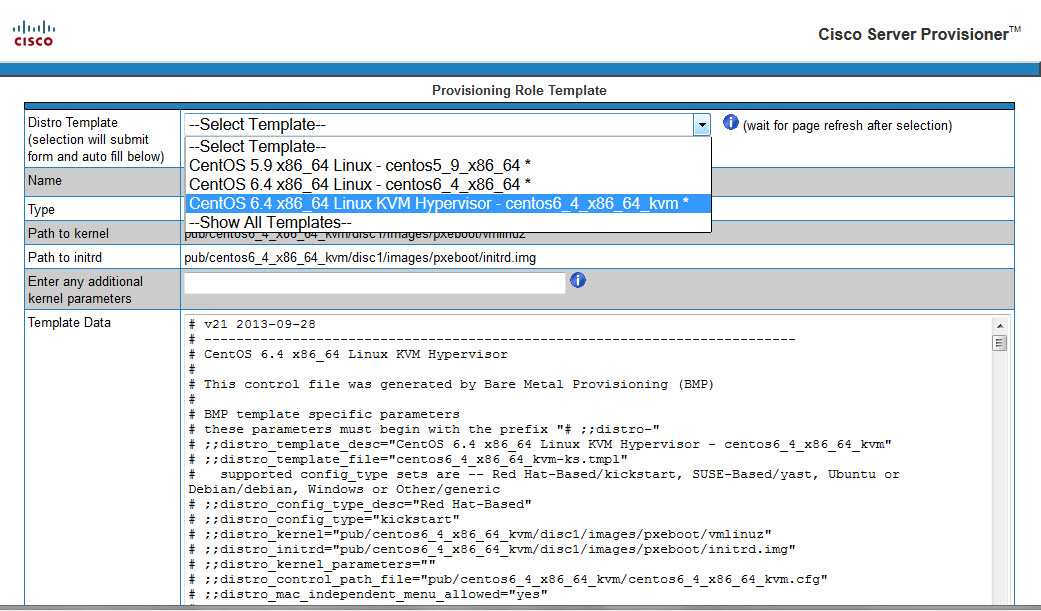
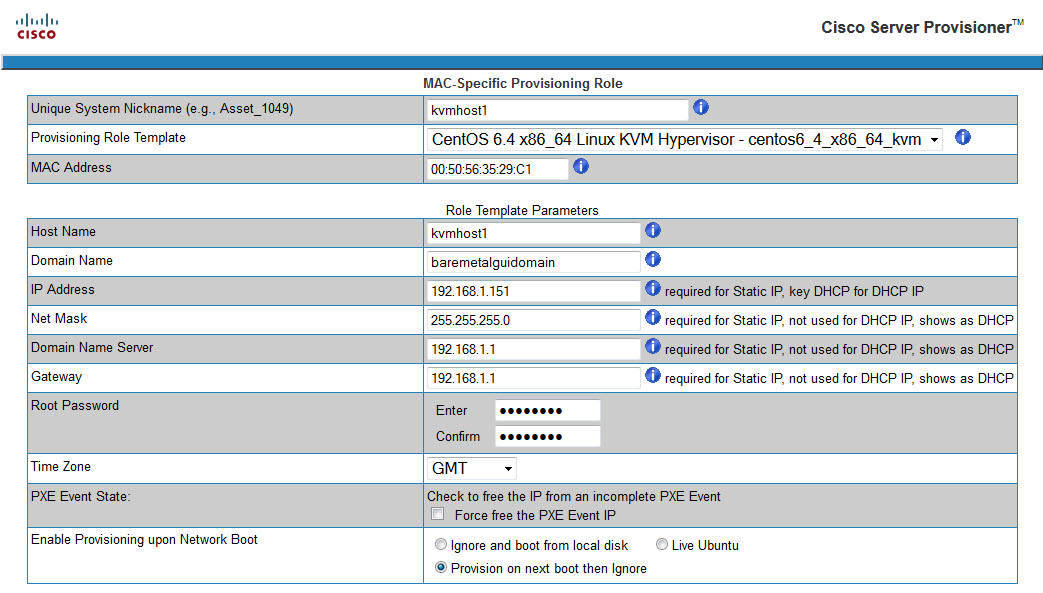
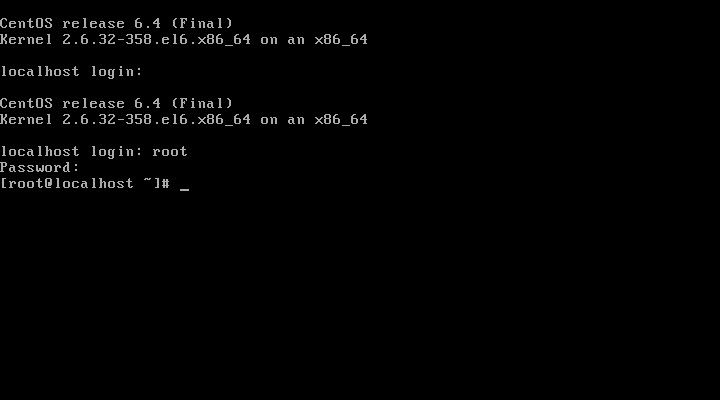
In order to customize the provisioning process to support virtualization using KVM, install the patch then complete the workaround steps as shown in the following CentOS 6.4 KVM and 5.10 KVM examples.
The patch installed the following files in /home/tftpboot/templates:
centos5_10_x86_64_kvm-ks.tmpl
centos6_4_x86_64_kvm-ks.tmpl
rhel5_10_x86_64_kvm-ks.tmpl
rhel6_4_x86_64_kvm-ks.tmpl
Note: you can modify these templates by editing the statements containing ";;" to substitute different CentOS and Red Hat releases and modifying the workaround steps below accordingly.