User's Guide feedback on: Cisco Server Provisioner 6.6 User's Guide ("Chuck Berry") - Login to the Provisioner Application GUIManaging_your_Provisioning_Server_Login_to_the_GUIManaging your Provisioner PXE Server > Login to the Provisioner Application GUI /Dear User's Guide Staff,
Login to the Provisioner Application GUI
Starting with the Chuck Berry Supplemental Package, the Provisioner GUI Application is accessed via a popup window from your browser. This enhancement provides better security by restricting pages to the application window and preventing pages from being accessed through the main browser.
Start your Firefox browser. Firefox is the only supported browser at this time.
Access the Provisioner Graphical User Interface (GUI) by typing the following URL in your browser:
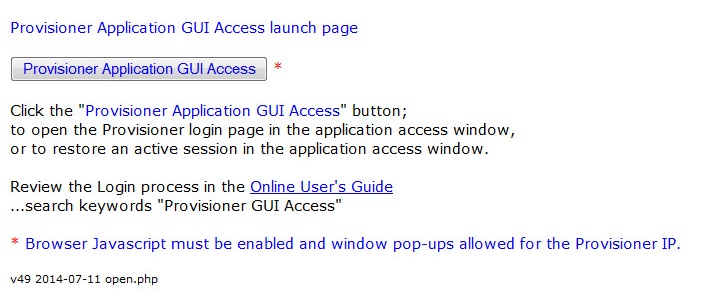
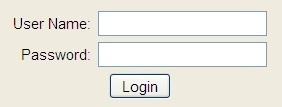
Click on "Provisioner Application GUI Access" button and you will be presented with the application Login:
The default User Name is "admin" and the default password is "admin". Learn how to change the password and add/edit/delete users.
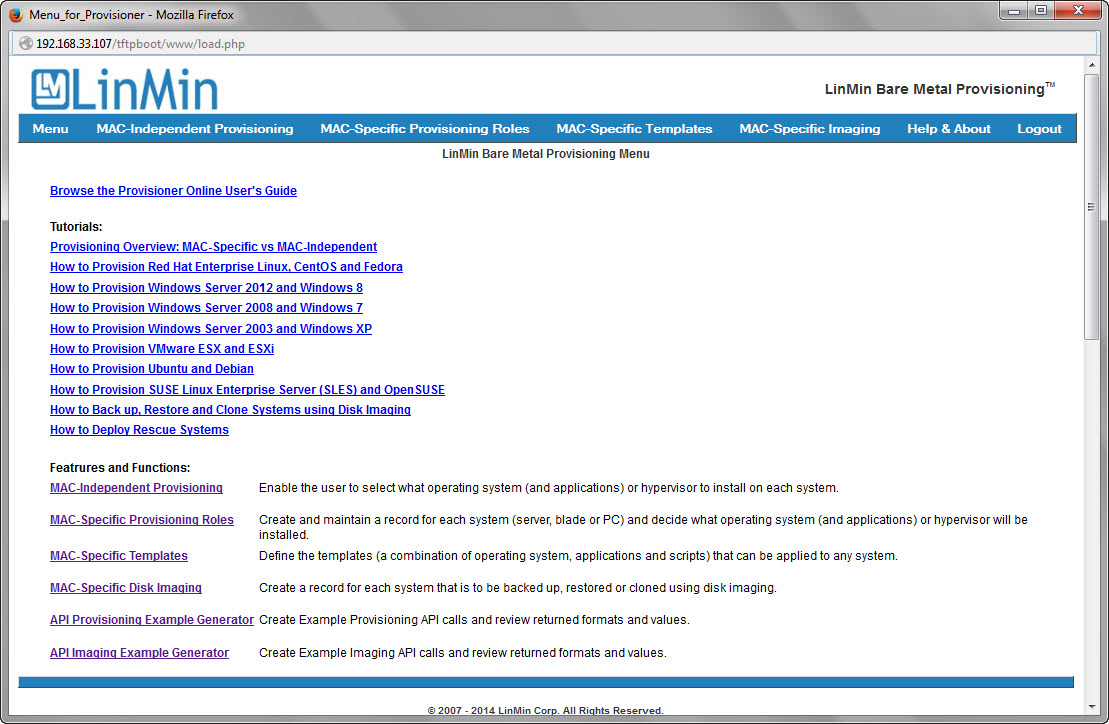
The User's Guide, Provisioning and Imaging functions including the API generator can be accessed from the Provisioner GUI Application main menu:
The GUI Login log can be found at:
/usr/local/linmin/guiLogin.log
Application GUI Access Error Messages
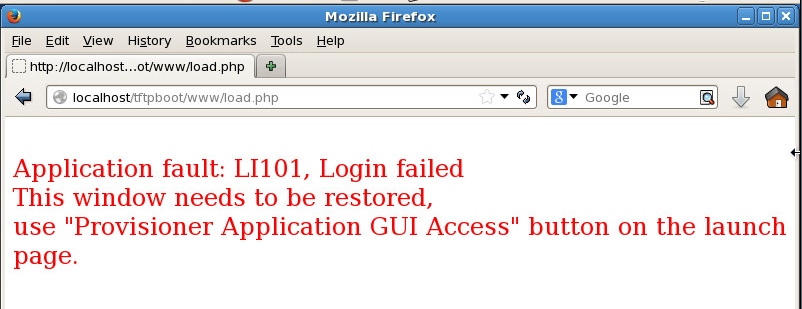
On rare occasions, you may see you see an error message similar to the one below containing "Application fault", "LI101" or other Provisioner Application GUI Access error messages:
If you see this LI101 error message:
•Close the browser window
•Re-access the Provisioner Graphical User Interface (GUI) by typing the following URL in your browser:
If you see a "Provisioner Application GUI Access" button, click it and you will be presented with the Provisioner application GUI.
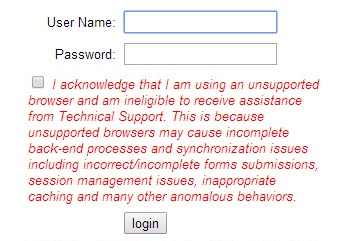
Unsupported Browser Warning
If you attempt to login using a browser other than Firefox, you will be asked to acknowledge that you understand you are using an unsupported browser before you are allowed to login:
Notes for Provisioner versions prior to 6.5.1 with the Chuck Berry Supplemental Package
Prior to Provisioner 6.3, there was no browser detection: if you are running an earlier version of Provisioner, you will not be asked to acknowledge that you are using an unsupported browser. Nonetheless, for all releases, Firefox is the only supported browser.
On Provisioner releases through 5.5.2-5, the default password is "baremetal" and users cannot be added/edited/deleted.
Important: Provisioner is a Web-based application, not a Web site. Always use the Provisioner Graphical User Interface menus, buttons, icons & links, or you risk losing data or experiencing other unintended consequences.
Do not use browser functions such as the "Back" button or navigation features such as the address bar. "Refresh" functions may be used to reload GUI pages as needed, however you may lose unsaved data when doing so.